Why I Moved to a CLI-First AI Setup (and How It Works)
In the evolving landscape of software development, integrating AI into our workflows has become essential. My latest setup embraces a CLI-first approach, enhancing productivity while maintaining code quality. Here’s a breakdown of my process:
-
AI-Powered Tools: Leveraging coding agents like Claude Code and Github Copilot, I streamline my coding tasks.
-
Environment: My CLI setup includes:
- Alacritty as the terminal emulator
- Zellij as the terminal multiplexer
- Dedicated windows for coding agents and project management
-
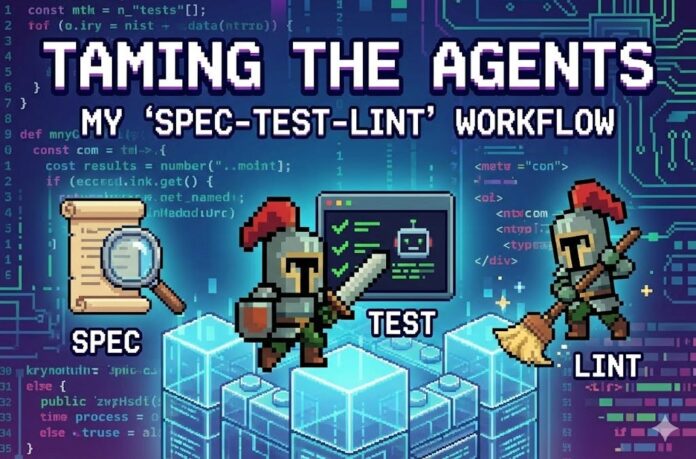
Development Flow: I utilize the “Spec-Test-Lint” cycle:
- Clear specifications guide project stages
- Every implementation is exhaustively tested for quality
Curious about the future of AI in coding?
Let’s collaborate and share insights on optimizing our workflows. Comment below or connect with me to discuss your coding experiences!
