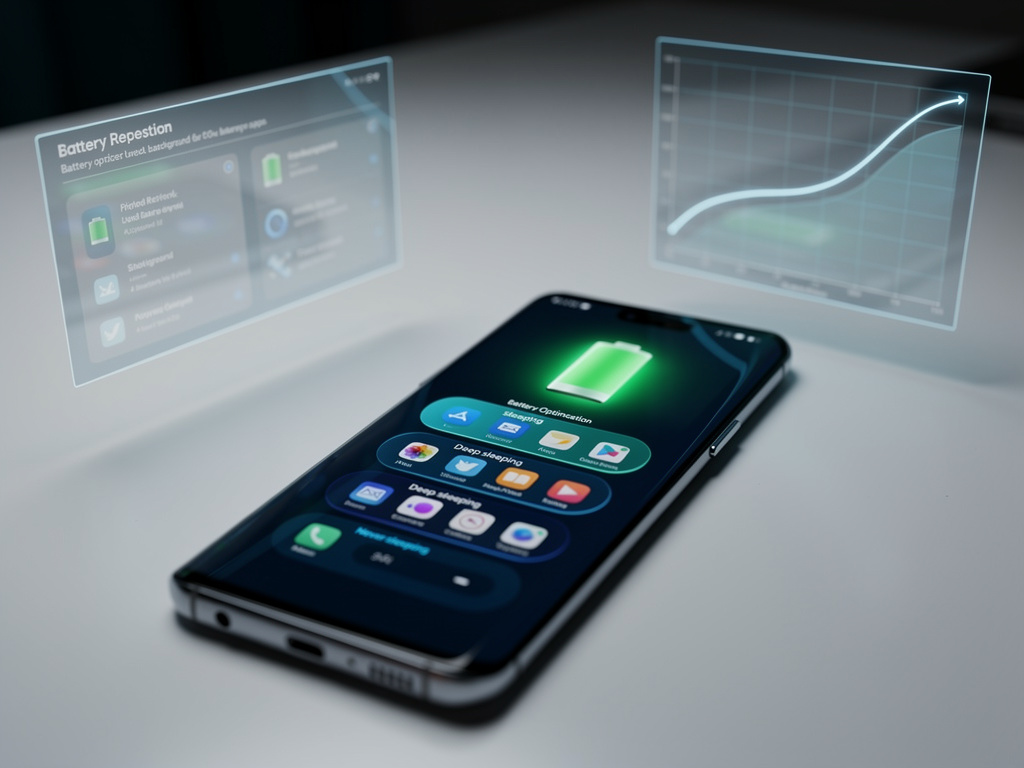
Samsung users striving for improved mobile efficiency can significantly enhance battery life with the “sleeping apps” feature found in settings. This function limits background activity for rarely used applications, conserving power without sacrificing performance. According to expert insights and user experiences, enabling sleeping apps can double standby time, extending device usability throughout the day. Samsung’s One UI categorizes apps into sleeping, deep sleeping, or never sleeping modes, reducing unnecessary energy drain from notifications and updates. Settings can be fine-tuned by navigating to Settings > Battery and device care > Background usage limits for manual adjustments or relying on AI for optimization. Coupling sleeping apps with other adjustments, like display settings, can further amplify battery longevity. While the feature offers many advantages, cautious management is necessary to prevent delays in essential notifications. Ultimately, sleeping apps exemplify Samsung’s commitment to sustainable mobile computing, allowing users to maximize device efficiency while contributing to energy conservation.





