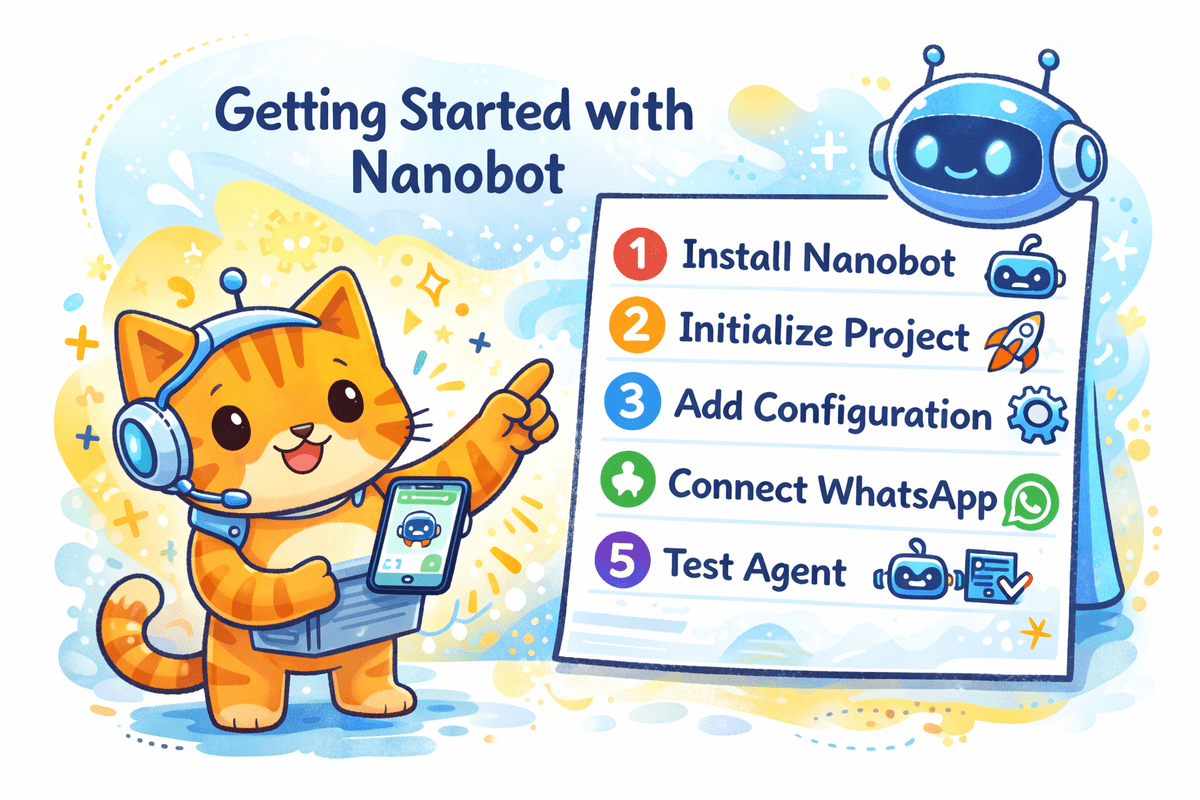
If you’re seeking a lightweight alternative to OpenClaw, consider Nanobot, a user-friendly AI agent ideal for simple tasks. This tutorial guides you through Nanobot’s architecture and the seamless installation process to connect it to WhatsApp. Nanobot supports various messaging platforms like Telegram, Slack, and more, making it a versatile tool for beginners.
Start by installing the uv manager to handle the Python environment, then proceed to install Nanobot. Initialize your project and configure it by editing the config.json file with your OpenAI API key and WhatsApp number. After ensuring Node.js and npm are installed, log in to WhatsApp via Nanobot, generating a QR code for device linkage.
Finally, test your agent by sending a message to verify its functionality. Despite minor setup challenges, Nanobot offers an efficient, practical solution for creating your first AI agent, maintaining simplicity while delivering significant utility in everyday applications.





