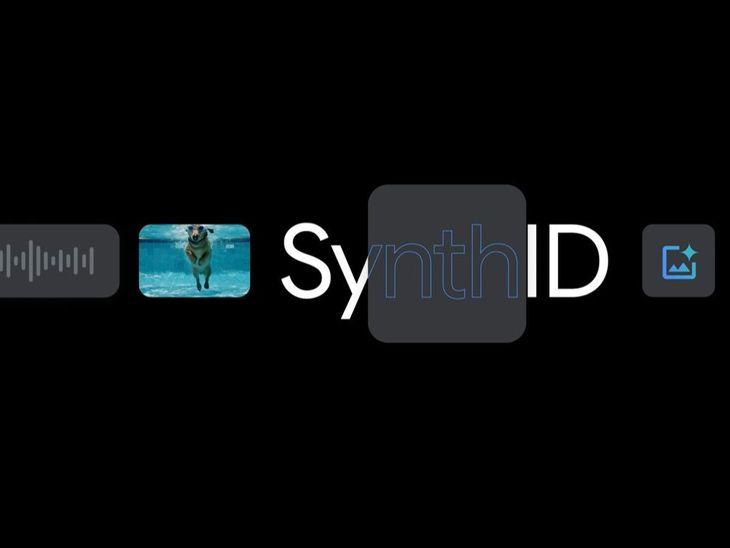
Google has launched a new feature in its AI chatbot, Gemini, allowing users to determine if a video was generated or altered using artificial intelligence. This global tool can be accessed by anyone with Gemini and follows the recent introduction of a similar feature for AI-generated images, highlighting Google’s commitment to content transparency. As concerns regarding deepfakes and misinformation grow, this tool aims to empower users to identify the origins of multimedia content. Central to this initiative is SynthID, an invisible watermark integrated into AI-created content, which remains detectable even if the media is edited or cropped. Users can check videos by uploading them to Gemini and asking if AI was involved in their creation. Currently, videos must be under 100MB and 90 seconds long for analysis. This development enhances accessibility and supports the growing need for authenticity in digital media.
Source link





